
Resources · In-state tuition
8. Create a Website
Having a website is essential for businesses today. It establishes credibility, expands reach, and serves as a 24/7 marketing tool. With a professional online presence, you can engage customers, showcase products, and build lasting relationships that drive success.
Please Note: I want some web presence. If you have a different type of site (like Poshmark, Amazon, etc) that is okay and you do not need to complete the steps below.
Please Note: Feel free to employ any digital software of your choice for website design, in addition to the recommendation provided below. The specific software you opt for is entirely up to you and will not impact the outcome.
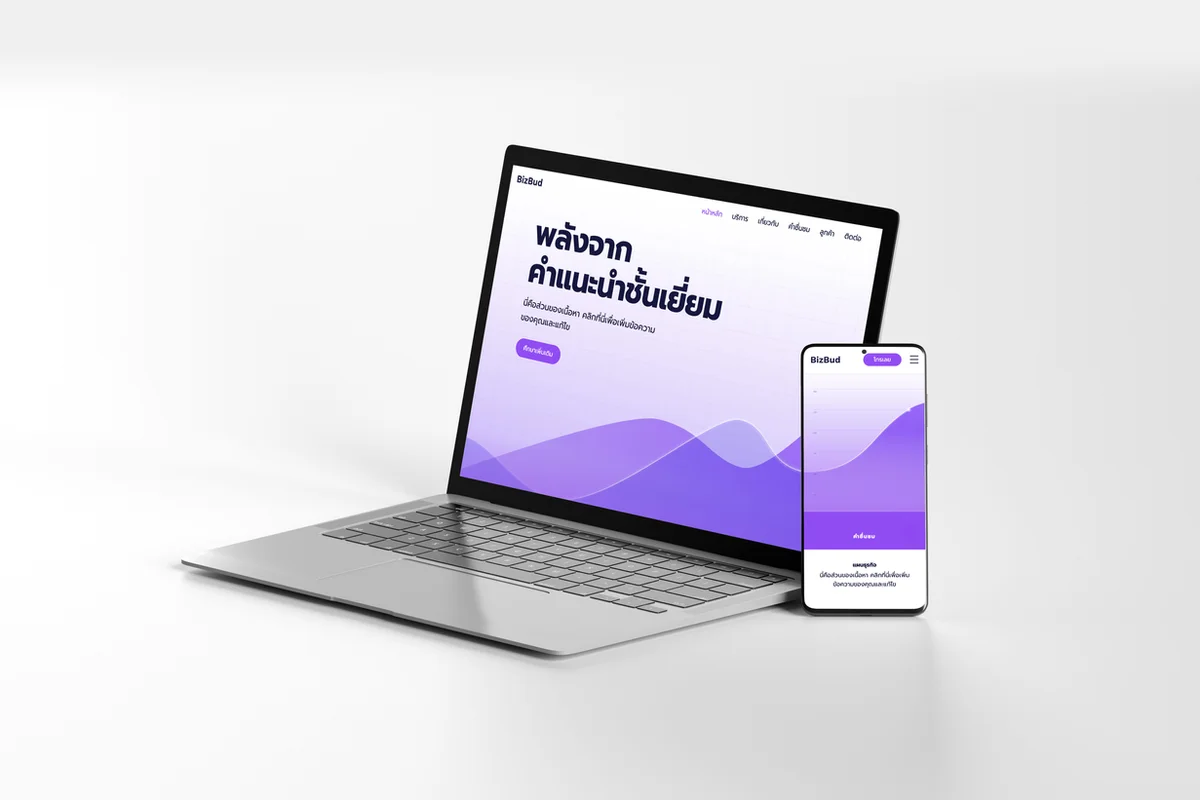
Step-by-Step Guide
Navigate to Wix
This should be free. No need to have custom domain.
Click “Create with AI”
Create an account
Click “Start Chat”
Type what your business is
Type your business name
Type what your business sells
Type what you want on your website
Type your connection to the business topic
Click “Generate Site”
Click either option to further personalize the site
Click “Continue with this Design”
Click “Continue to the Editor”
Click anywhere on your website to hide the sidebar
Click “Publish”
Click “View Site”
Copy the URL
Take a screenshot of the website
Upload to folder